Students, parents, and tutors who know the math topic they're aiming for but aren't sure which foundational skills need to come first, and want a full route rather than one quiz at a time.
How it works
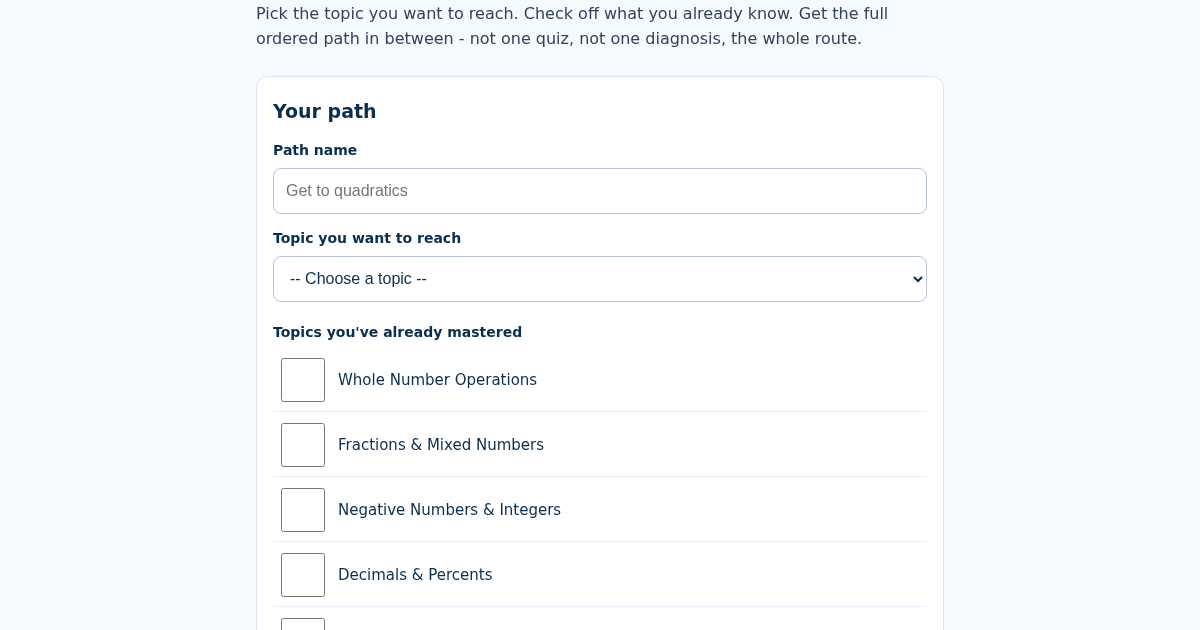
- Name this learning path, e.g. "Get to quadratics".
- Choose the topic you want to reach.
- Check off every topic you've already mastered.
- See the ordered step-by-step path to your goal, with an estimated hour count for each step and the total.
What you gain
- Ground-up prerequisite graph across 15 pre-algebra through Algebra 1 topics (Common Core sequencing) - not a single quiz or a single diagnostic, a full ordered PATH from wherever you are to your goal
- Say which topics you've already mastered and the path skips them AND everything only needed as their prerequisite - it only shows what you actually still need
- If you mark the goal topic itself as already mastered, the path is empty - you're done
- Deterministic topological ordering: the same goal + mastered set always produces the exact same path and total study-hour estimate
Screenshot
Technical details
How to set up & use
- Buy the license — your key (lic_...) appears on the order page and in your email.
- Sign in at app.synoriaai.com with your license key.
- No installation — the product runs in your browser, on your own isolated instance.
- 1. Open the MathPath page.
- 2. Type a name for your path (for example, 'Get to quadratics').
- 3. Choose your goal topic from the list.
- 4. Mark any topics you have already mastered.
- 5. Click the button to generate your path.
Frequently asked questions
What does MathPath actually do?
It builds an ordered learning path from your current knowledge to a chosen goal topic. It uses a prerequisite graph to include only the topics you still need, skipping those you've marked as mastered and their prerequisites.
Is my data safe?
MathPath does not store your personal data. The path is generated in your browser and is not sent to a server.
Does MathPath teach the topics?
No. It only creates the ordered list of topics and estimates study hours. It does not provide lessons, practice problems, or explanations.
Related products
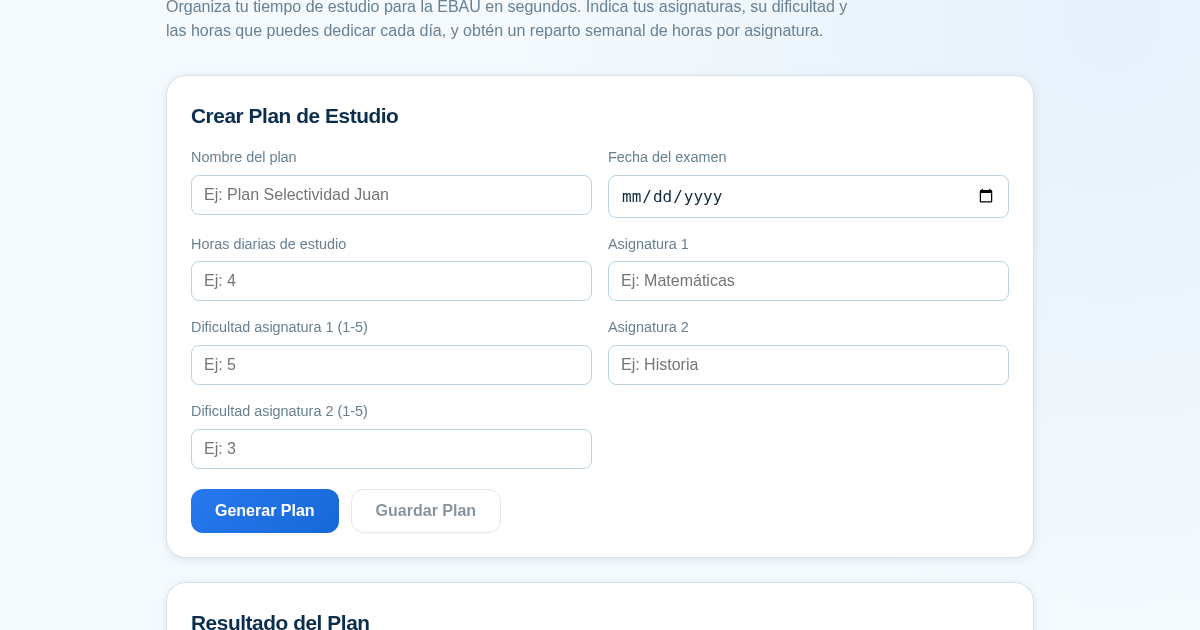
Planificador de Estudio para la EBAU
Organiza tu tiempo de estudio para la EBAU en segundos. Indica tus asignaturas, su dificultad y las horas que puedes dedicar cada día, y obtén un reparto semanal de horas por asignatura, guardado para que siempre puedas…
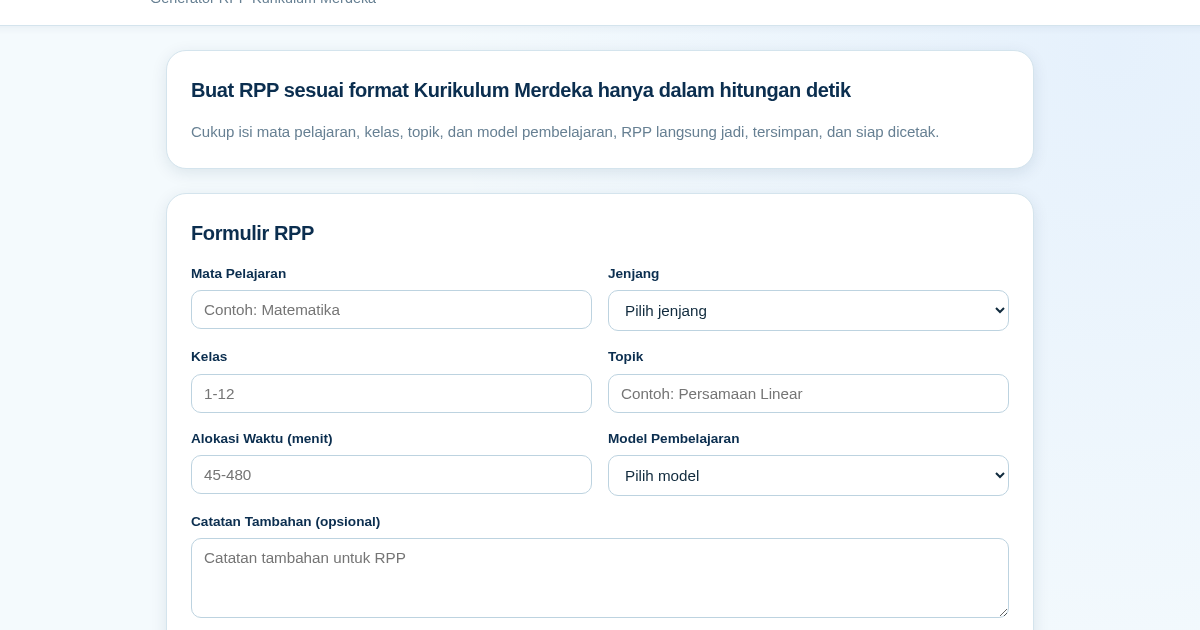
RPP Instan – Generator RPP Kurikulum Merdeka
RPP Instan membantu guru di Indonesia membuat Rencana Pelaksanaan Pembelajaran (RPP) sesuai Kurikulum Merdeka dengan cepat. Guru cukup mengisi formulir singkat, dan RPP langsung tersusun otomatis sesuai struktur yang…
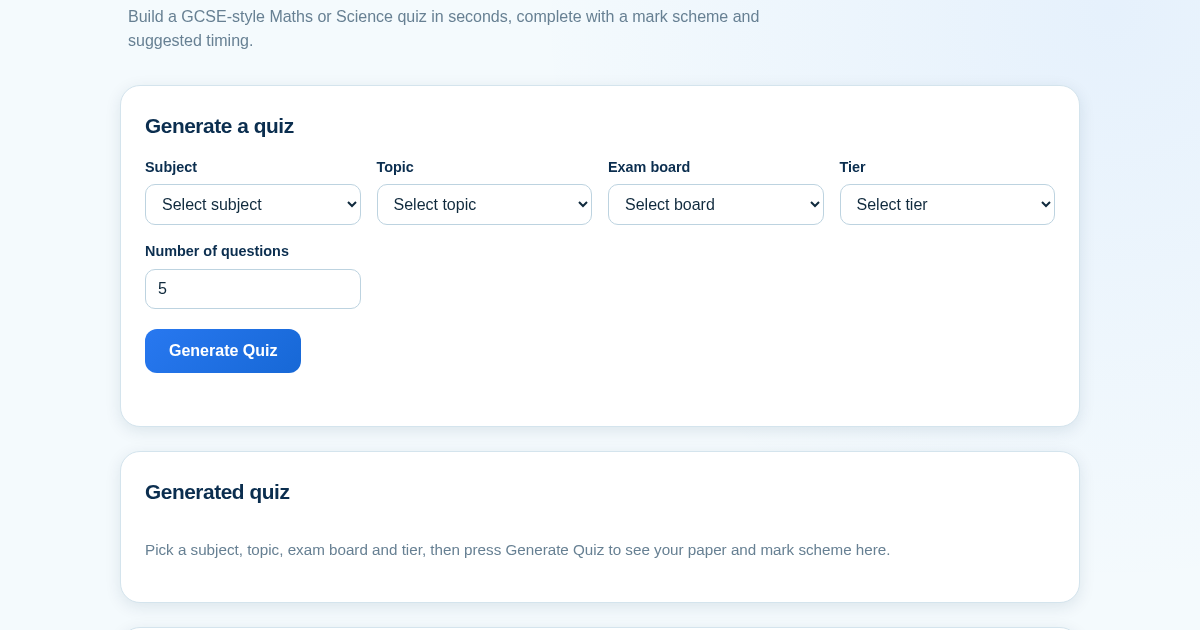
GCSE Quiz Generator for Teachers
GCSE Quiz Generator helps UK secondary school teachers and private tutors quickly create GCSE-style Maths and Science quiz papers from a built-in question bank. It automatically provides a mark scheme and suggested exam…
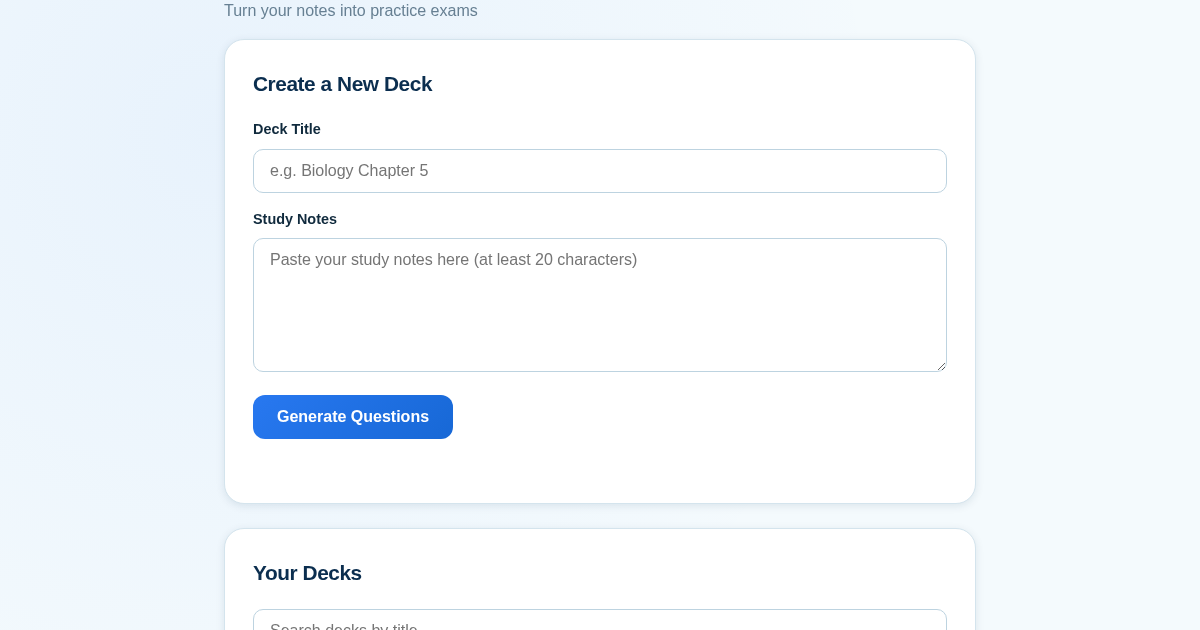
ExamGenius — Turn Your Notes Into Practice Exams
ExamGenius turns pasted study notes into practice quiz questions and schedules reviews using a spaced-repetition algorithm so learners retain material longer. Users paste notes, generate a question deck, self-grade…